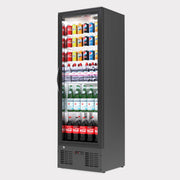
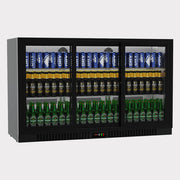
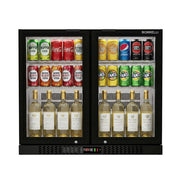
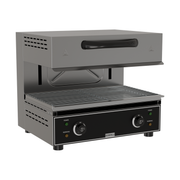
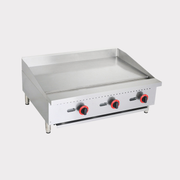
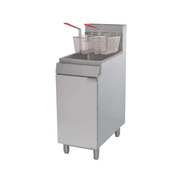
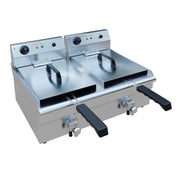
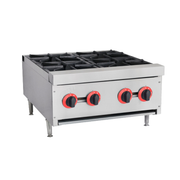
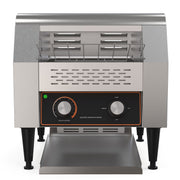
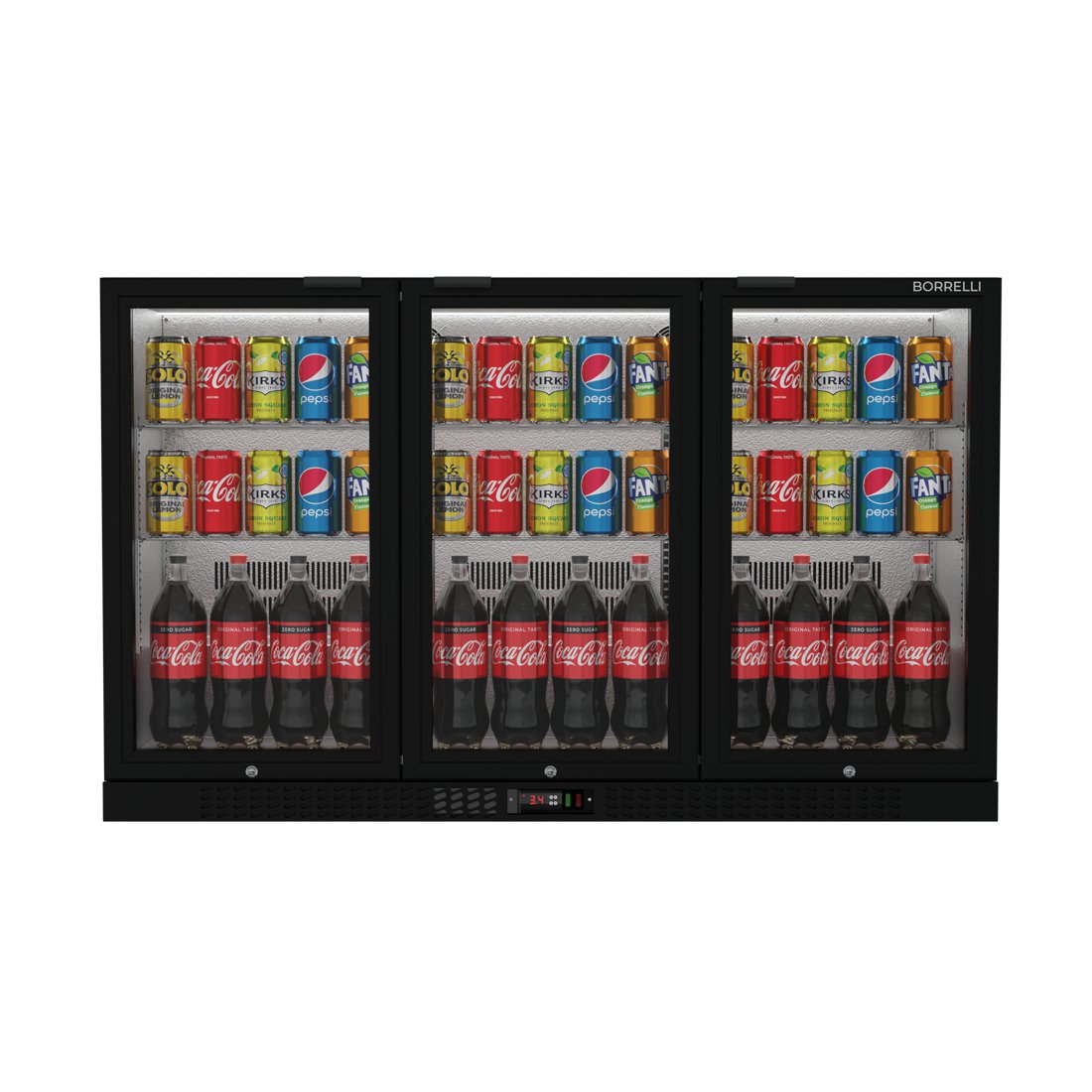
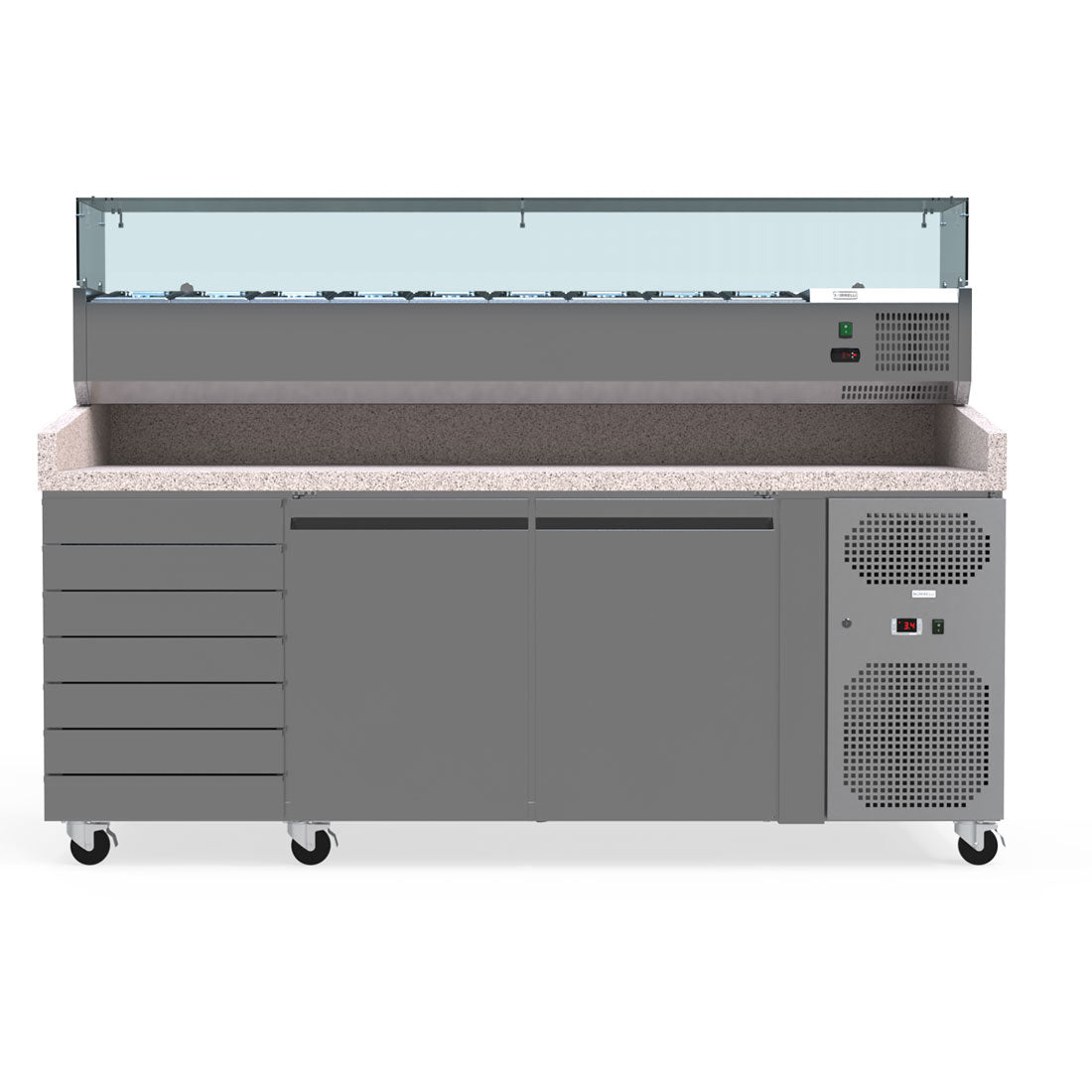
Explore the rangeShelvingCommercial Stainless Steel ShelvingOrganise your kitchen, coolroom or storeroom with Borrelli's commercial stainless steel shelving. Free-standing...
Explore the rangeGastronorm PansCollection of Commercial Gastronorm Pans with Lids Enhance Your Kitchen Efficiency and Presentation Upgrade your culinary...
Explore the rangeStock PotsDiscover Our Collection of Countertop Commercial Stock Pots Culinary Excellence Starts Here Enhance your kitchen's capabilities...
Explore the rangeDough RollersCommercial Dough RollersSheet pizza bases and pastry quickly and consistently with Borrelli's horizontal dough rollers. Twin-roller...
Explore the rangeMeat SlicersCommercial Meat SlicersSlice smallgoods, meats and cheeses cleanly and consistently with Borrelli's commercial meat slicers. The...
Explore the rangeVegetable PreparationCommercial Vegetable Preparation MachinesCut prep time dramatically with Borrelli's heavy-duty vegetable prep machine. It slices, shreds...
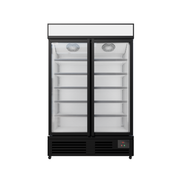
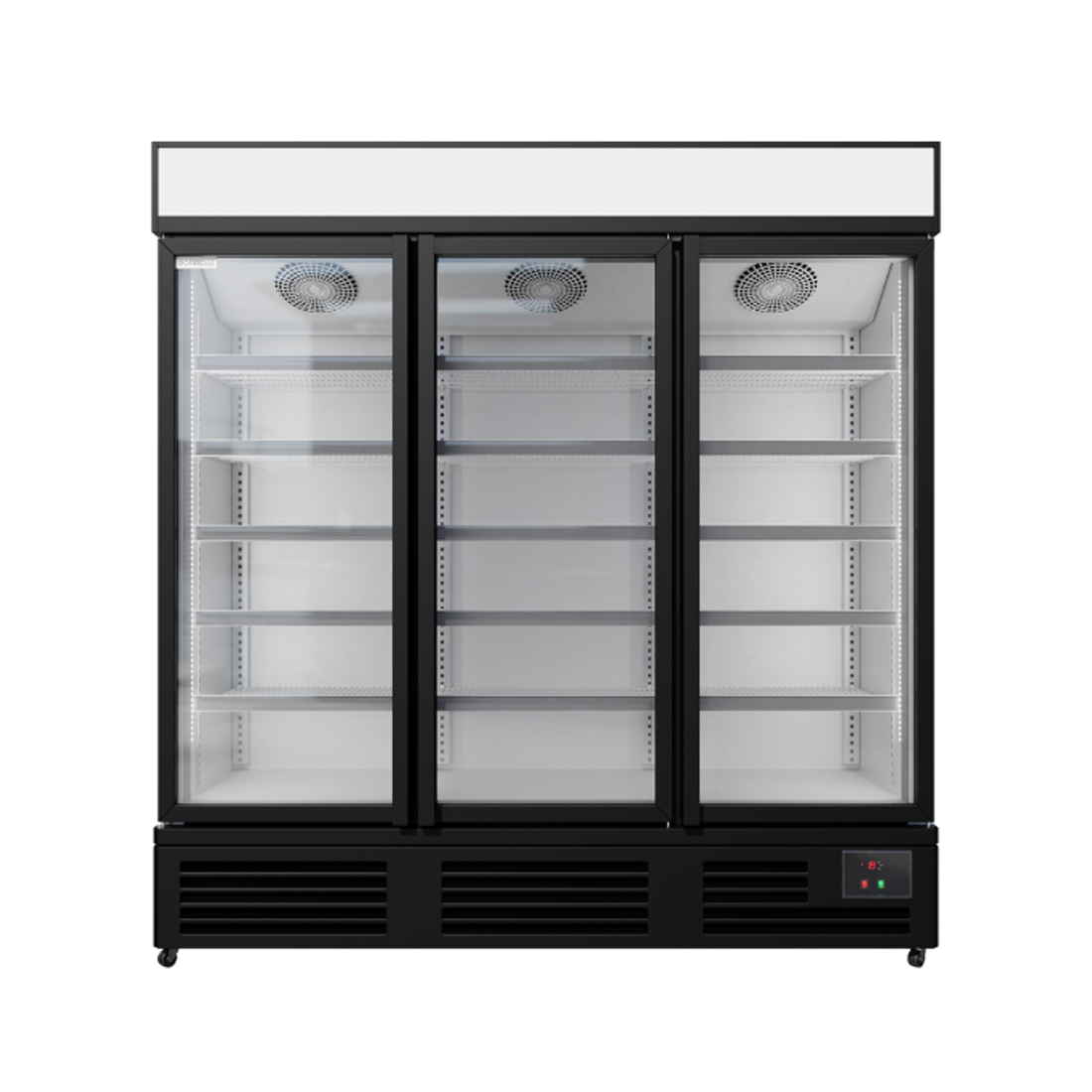
This manual covers safe installation, day-to-day operation, cleaning and troubleshooting for the Borrelli Upright Glass Door Freezer. Please read it before operating the unit.
These precautions ensure safe, correct use of the freezer and minimise the risk of injury or damage.
Flammable refrigerant This product contains R290a flammable gas. Misuse could result in fire or serious injury. If you find a gas leak, turn off the unit and ventilate the area, then call your nearest repair agent or Borrelli.
Keep all ventilation vents clear while the unit is operating.
Do not use mechanical devices to accelerate defrosting unless recommended by the manufacturer.
Do not damage the refrigerant circuit.
The LED lights must be replaced by a qualified person — contact the customer helpline.
Do not use electrical appliances inside the food storage compartment.
Do not damage, modify or excessively bend the power cord; if damaged, a qualified technician must replace it.
Do not store explosive substances such as aerosol cans with flammable propellant in this appliance.
Dispose of the unit only at an authorised waste centre; do not expose it to a flame.
Disconnect the unit from power before cleaning, maintenance or replacing parts.
All repairs, disassembly or modification must be performed by a qualified technician.
Use a dedicated wall outlet; do not use flammable sprays or substances near the unit.
The expected noise level of the unit is 55 dB.
Do not insert anything (fingers, sticks, etc.) into the cold air suction outlet.
Never place heavy objects or items containing water on top of the unit.
After switching off, wait 5 minutes before restarting — restarting too soon can blow a fuse, trip the breaker or overload the compressor.
Shelf load limit Maximum shelf load is 50 kg. Do not exceed the limit or throw items onto the shelves.
02Installation
Before use
Remove all packaging and leave the door open to ventilate.
Clean the unit before use.
Run the unit empty for an hour before loading stock.
Placement and clearances
Indoor use only; keep out of direct sunlight, rain and weather.
Install on a flat, stable, level surface strong enough to support the unit when loaded.
Allow a 20 mm gap on all sides and the top, and 100 mm at the rear for airflow.
03Cleaning and Maintenance
Exterior and interior
For dust, wipe inside and out with a dry cloth.
For a deeper clean, use a mild detergent and a soft cloth.
Clean the unit regularly.
Never use polishing powder, soap powder, benzine, oil or hot water — these damage the paint and plastic.
After cleaning, check the power cord for cracks or damage. If you find any, contact Borrelli.
Condenser maintenance
Every few months
The condenser is located behind an access cover at the rear of the fridge. Switch off and unplug the unit before carefully removing the cover, then clear dust and debris from the condenser with a soft brush.
Clean it every few months, or more often in dusty or high-use environments. Refit the access cover securely when finished.
04How to Use
The freezer is controlled by the digital controller on the front of the unit.
Switches
The green switch powers the unit on; the red switch operates the interior light.
Change Set Temperature
We recommend a freezing temperature between −18 °C and −20 °C.
Press and hold the Set button until you see the temperature set flashing (approx. 2 seconds) and then release this button. The temperature set will be flashing.
Adjust the temperature to your desired setting.
Press Set to save this temperature.
The controller should go back to showing the current temperature inside the unit.
Changing Variance Temperature
Press and hold the Set button until you see “P5” flashing. This should take about 7 seconds. Once flashing, release the button.
Press the Down arrow until you see “rd” on the display (1 press down), then press Set to enter into the setting. We want to check the flashing value on the controller.
Adjust the temperature to your desired setting. Once completed press the Set button to save the setting.
You will see the “rd” flashing again. Press and hold Set for approx. 5 seconds to return to the main screen.
Manual defrost
Hold the snowflake button for about 3 seconds, then release.
A light with the snowflake symbol appears – defrosting has begun.
It switches off automatically when defrosting is complete.
05Tips and Tricks
Follow these tips to get the best performance, efficiency and lifespan from the freezer.
Transportation
Do not tilt the unit beyond 45°.
Allow it to stand for 12 hours before switching on, so the refrigerant can settle.
Protect the power cord during transportation.
Drain tray
Defrosting is automatic; drain water collects in the tray and evaporates automatically.
Shelves
Adjust the shelves to suit the items placed on them.
Each shelf has a maximum load of 50 kg.
Condensation in a high-humidity environment is normal. Wipe it away with a damp cloth — this is not a defect.
Do not obstruct the fan by placing items in front of it. Keep the airflow clearances shown in Installation.
06Specifications
Specifications. Dimensions in millimetres unless stated.
Specification
UF-580H
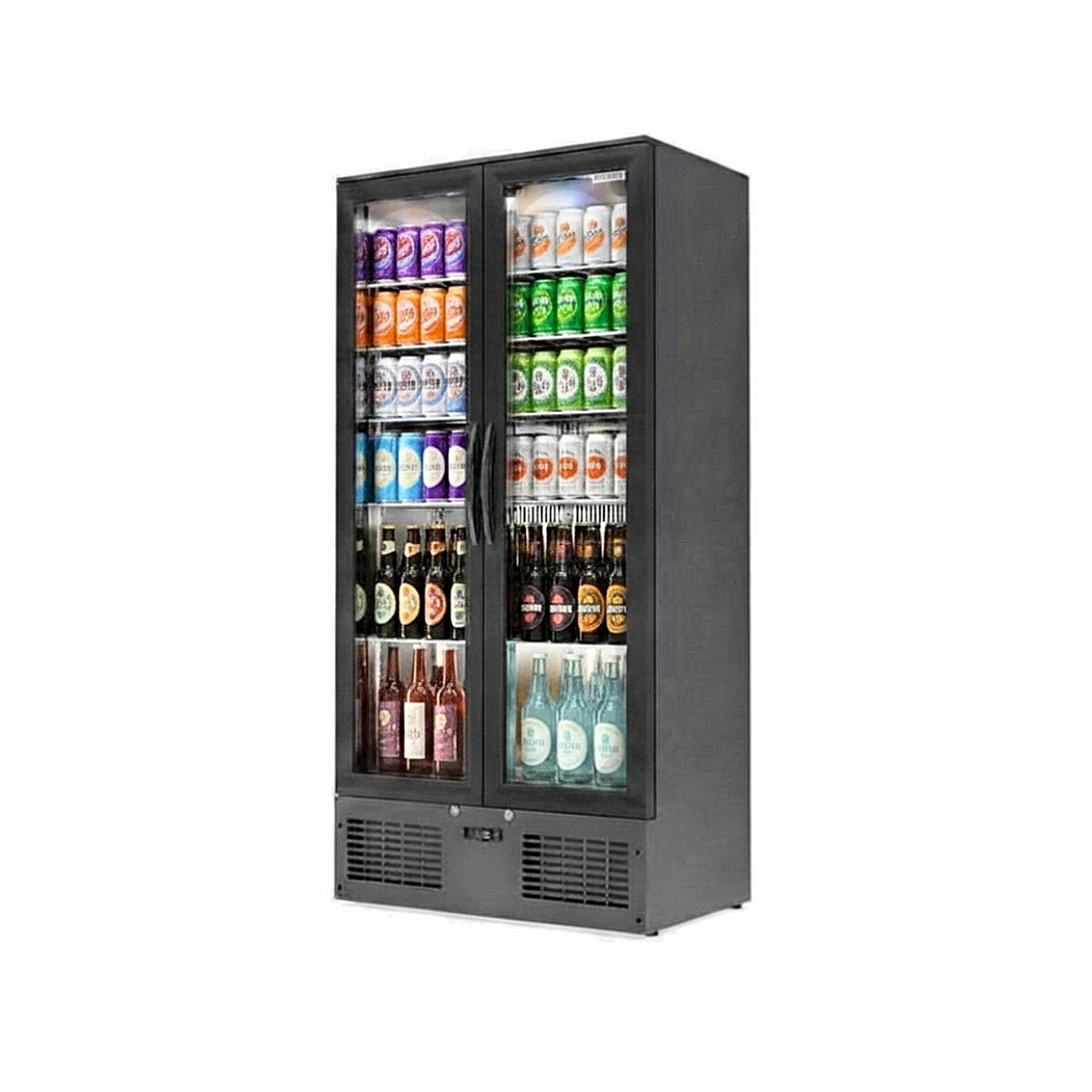
UF-1180H
UF-1780H
Doors
1
2
3
Capacity
459 L
1012 L
1560 L
External W×D×H
700 × 750 × 2050
1370 × 740 × 2107
2060 × 750 × 2050
Internal W×D×H
560 × 520 × 1300
—
1930 × 500 × 1300
Temperature range
-15 to -20 °C
-15 to -20 °C
-15 to -20 °C
Shelves
5
8
15 (5 per door)
Glass
Triple-layer heated
Triple-layer heated
Triple-layer heated
Interior lighting
LED
LED
LED
Mobility
Castors + brakes
Castors
6 castors + brakes
Power
15 A
15 A
15 A
Refrigerant R290a. UF-1180H external dimensions and shelf count cross-referenced from the supplier catalogue (Santa SD-1180F); its internal dimensions are not published.
07Before Requesting Service
Please check the following if you encounter a problem. If it continues after these checks, contact Borrelli.
Common problems and what to check first.
Problem
What to check
No refrigeration
Is the power supply interrupted? Is the power cord securely connected? Is a fuse blown or the breaker tripped?
Inadequate refrigeration
Is the temperature setting appropriate? Is anything obstructing the air inlet or outlet? Are stored items packed too tightly? Is the door frequently opened or left ajar?
Excessive noise
Are all the feet in firm contact with the floor? Is the back of the unit touching the wall? Are other objects resting on it?
08Warranty and Enquiries
Warranty periods vary by product. For the period that applies to your model, see its product page. For the warranty terms and how to make a claim, see our Terms & Conditions. Keep your proof of purchase, as it may be required.